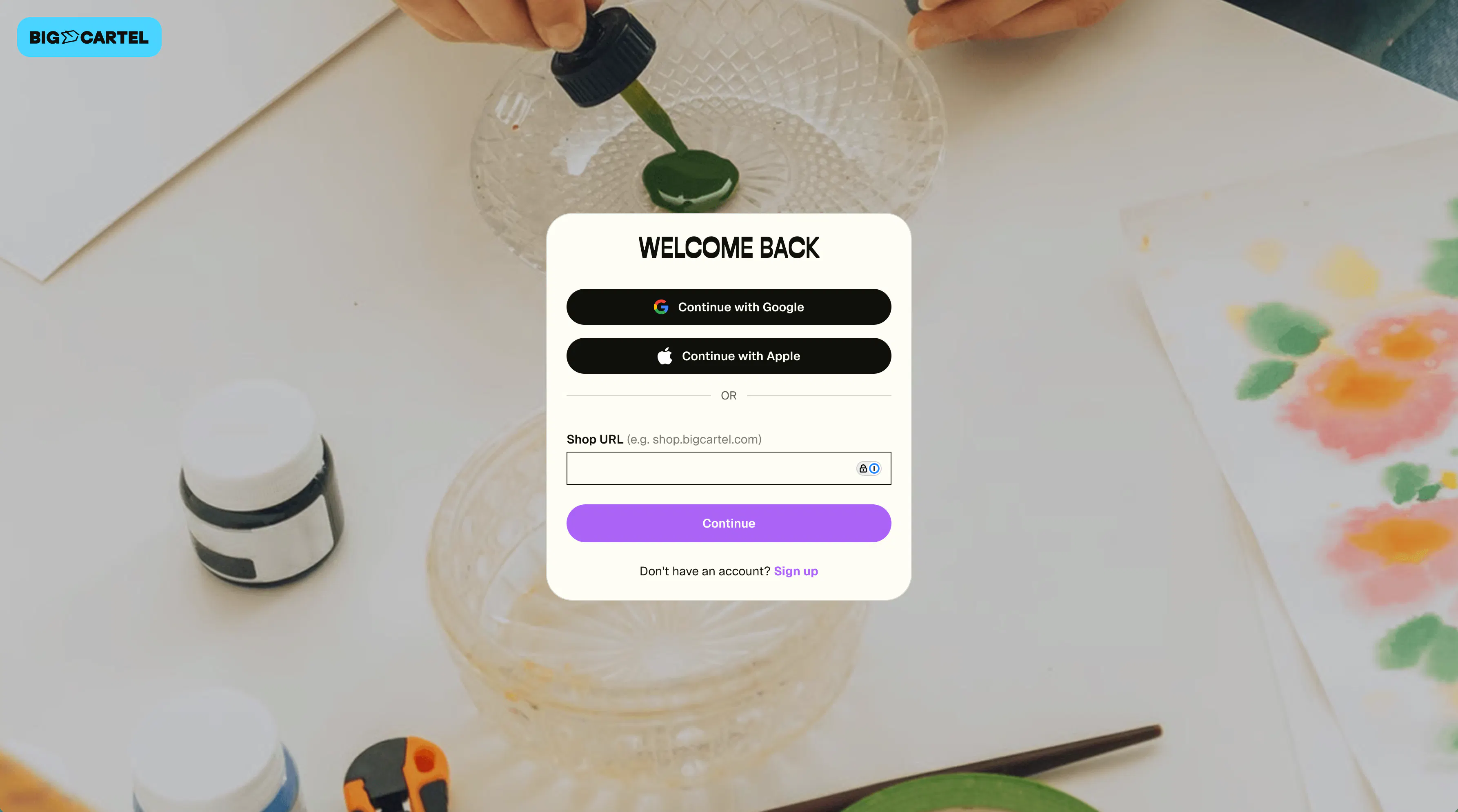
We’ve made it easy to log in from any device. Whether you're updating products, checking orders, or making quick changes, you can access your shop’s admin anytime.
You can log in in one of two ways:
- Email address and password
- Google or Apple account
Log in with email and password
To log in this way, you’ll need:
Shop URL
Your shop URL is the web address or subdomain for your store.
For example, if your shop is located at:
example.bigcartel.com
You can enter either:
- example
- example.bigcartel.com
in the Shop URL field when logging in at
my.bigcartel.com/login
If you’ve logged in before, we’ll remember the last shop URL you used.
Finding your shop URL
Your shop URL is listed in the Shop domain section of your admin.
Go to Shop settings to locate it.
If you’re having trouble finding it, email support@bigcartel.com from the address associated with your account and we’ll help track it down.
Logging in for the first time
If you created your account using an email address and password, Big Cartel automatically generates a shop URL based on your email address.
For example:
If you sign up with
whalesrule@me.com
your shop URL may be created as:
whalesrule.bigcartel.com
You can update your shop URL later in Shop settings.
Password
Enter the password you created for your store.
If you forget it, you can request a password reset, and we’ll send instructions to the email address associated with your account.
Log in with Google or Apple
You can also log in using a connected account instead of entering your shop URL and password.
- Google — available in the Android app
- Google or Apple — available on the web and in the iOS app
Simply select the login option and sign in with your Google or Apple account.
Note: Only one Big Cartel account can be connected to a Google or Apple login.
Add a phone number for account recovery
Adding a phone number gives you a backup way to sign in.
If you forget your password, we can send a secure login code by text to help you access your account.
Staying logged in
After logging in, we’ll keep you signed in to your shop’s admin for up to 30 days.
If you don’t visit your admin during that time, you’ll be asked to log in again to keep your account secure.
We’ll also send you an email anytime we detect a login from a new device, so you’re always in the loop.
Steps
Log in with Google or Apple
- Head to my.bigcartel.com.
- Click Continue with Google or Continue with Apple.
Log in with Email and Password
- Head to my.bigcartel.com.
- Enter your shop URL (example.bigcartel.com) and your password.
- Click Log in.